PanelOrganization
Organization costs
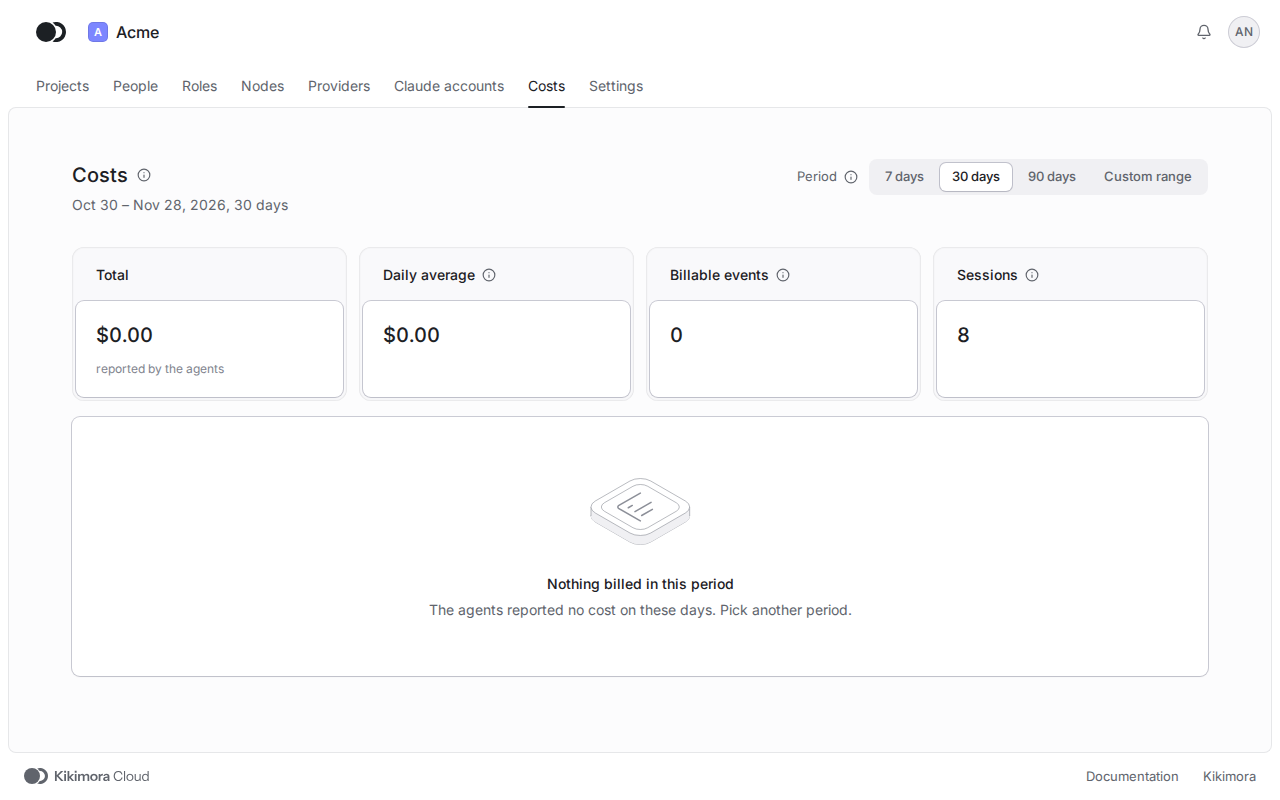
The Costs tab adds up what the agents of every project of the organization reported spending, by UTC day and by project.
Who can do it
A person with the permission Organization costs.
1
Step 1: Open Costs
Click Costs in the header of the organization and in the Period field pick a number of recent days or a Custom range with the From and To days. The top shows the Total, the Daily average, the Billable events and the Sessions, then a chart of the cost per UTC day, and below it the table By project, which lists under each project its agents with a cost, the most expensive first.
A day runs from 00:00 to 24:00 UTC, the way the platform adds up cost. A billable event is a model run with a cost, not a task. The costs of a single agent show on the Costs tab of its page.
Matches the panel at cloud.kikimora.dev.